Project / 2026
Fingerino
Your webcam as a mouse.
Control the cursor with a webcam. The thumb moves the pointer, flicking the index finger clicks, holding the point drags, two fingers scroll, and a flat-handed swipe switches windows. No hardware beyond the camera already in the laptop.
Most of the work is refusing false positives. A recogniser that fires when you did not mean it is worse than one that misses, so a point resolves only when it ends: short is a click, held is a drag. Every posture test is built from distances to the wrist, so it survives a rotated hand. Releases are debounced separately, with a longer grace once a button is actually down, so one mis-landmarked frame cannot drop a drag halfway.
Cursor feel comes from a One Euro filter. I tuned it against a Fitts’s law harness rather than trusting my impression, because every change feels better for the first two minutes.
The gestures
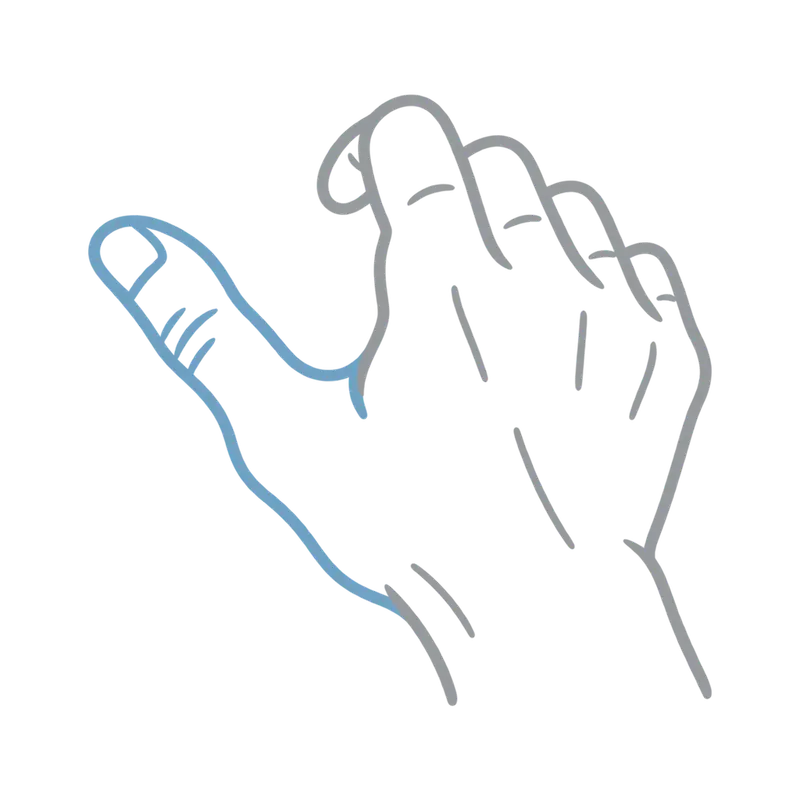
Thumb tip
Move the cursor
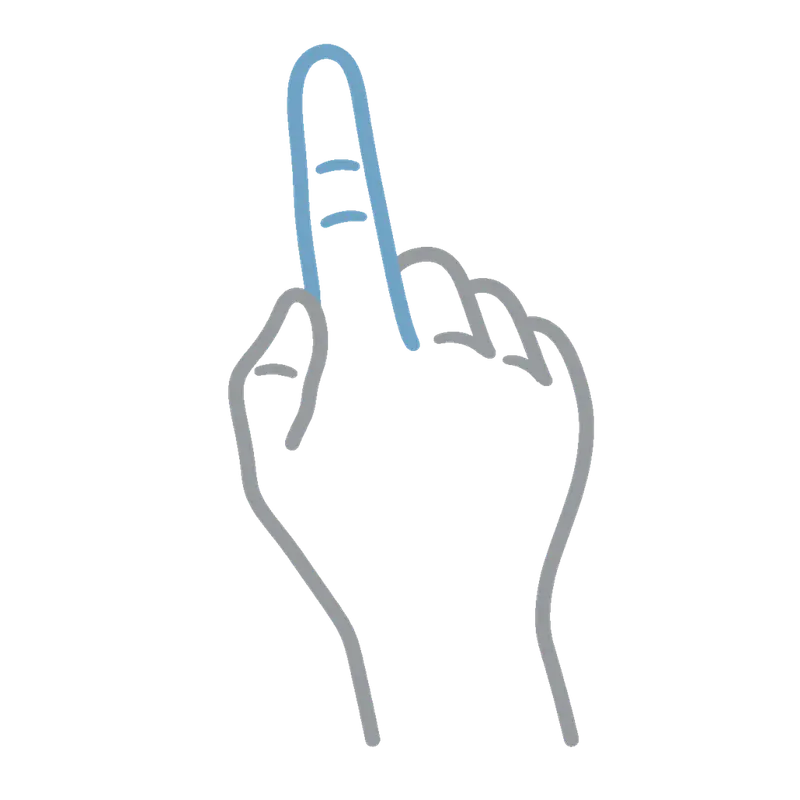
Point
Left click
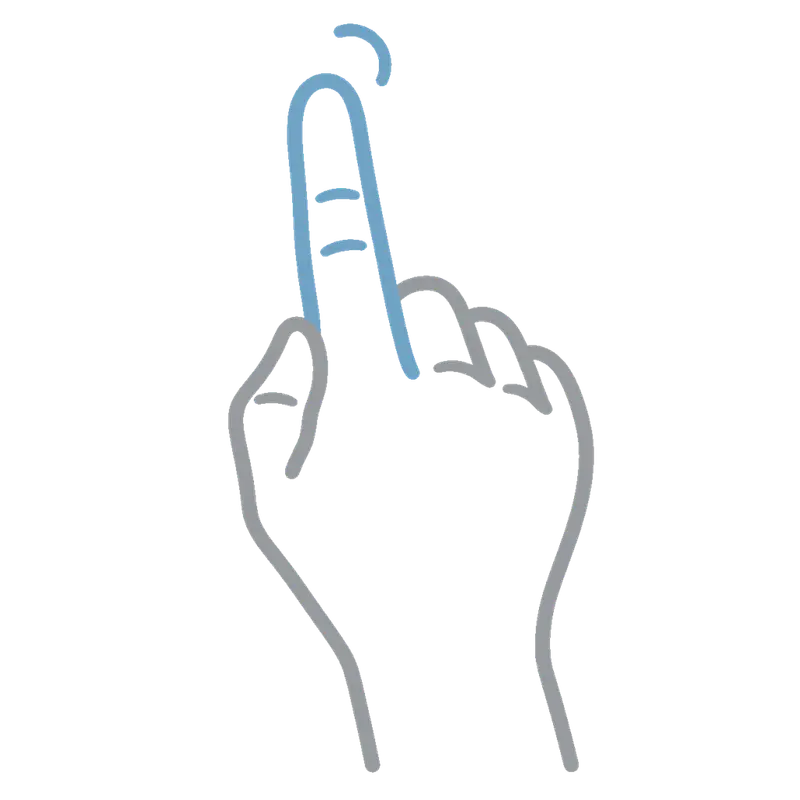
Hold the point
Drag
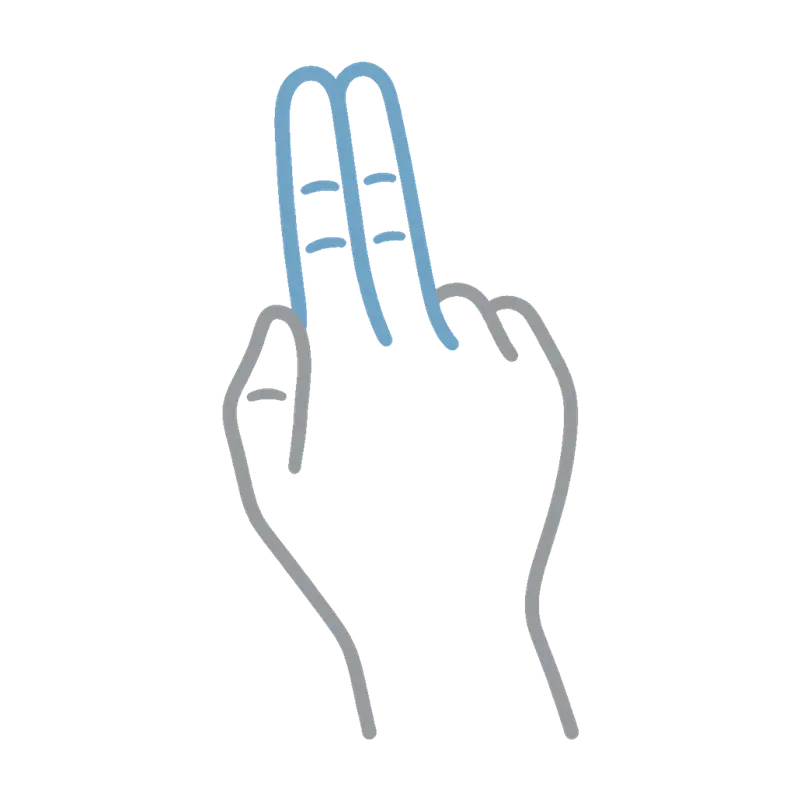
Two fingers
Scroll
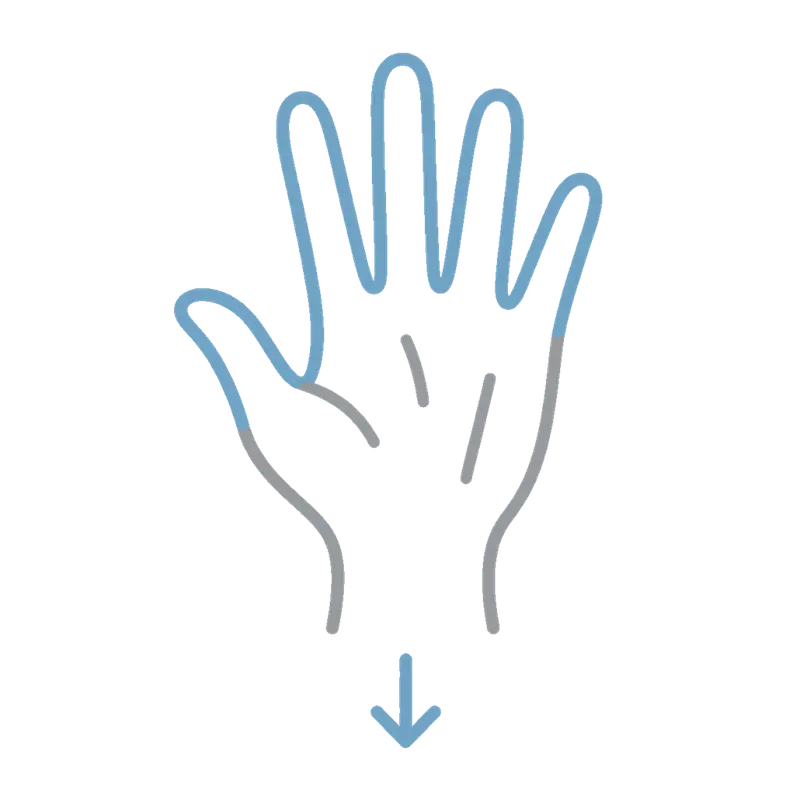
Flat hand, swipe down
Show desktop
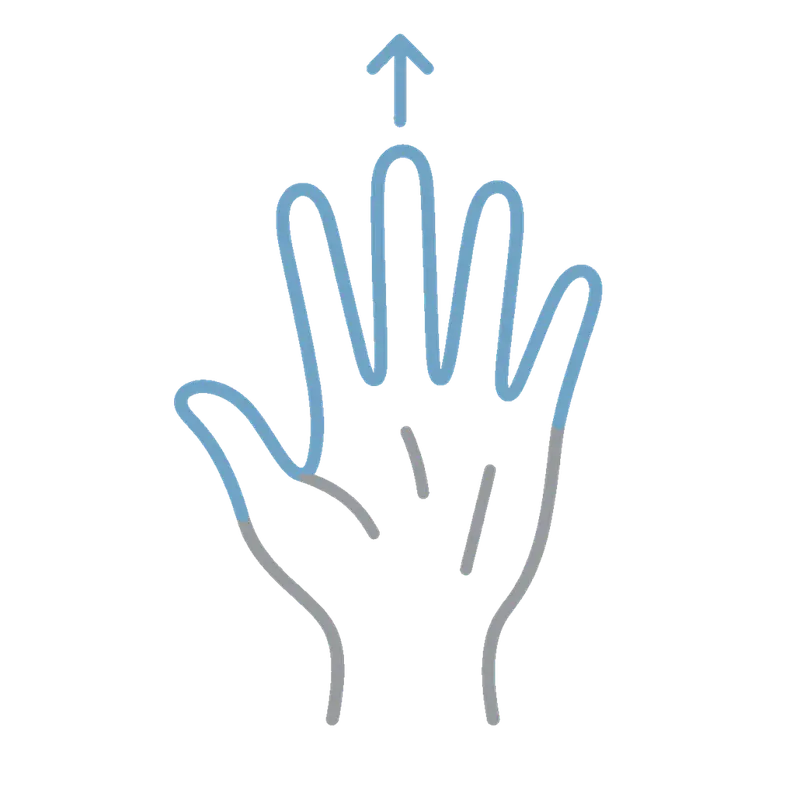
Flat hand, swipe up
Restore the windows
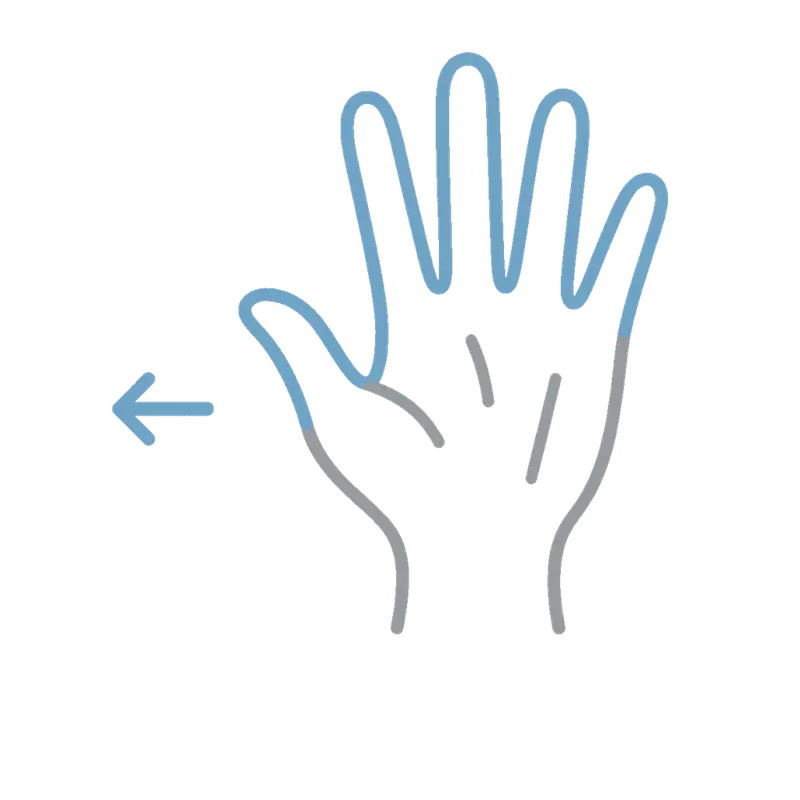
Flat hand, swipe left
Switch window
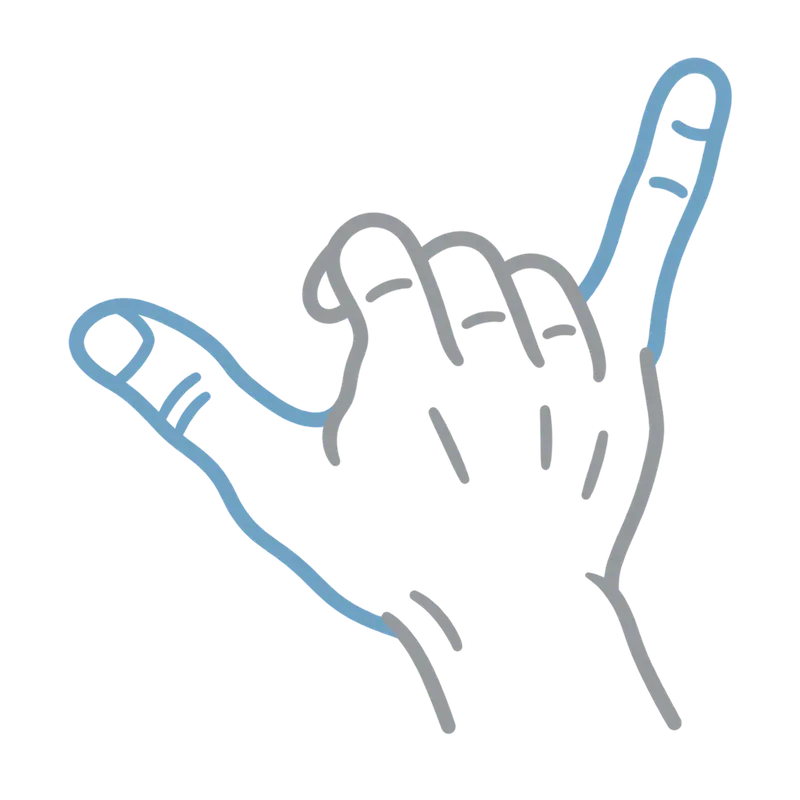
Shaka
Open a new AI chat

Cross both hands
Quit
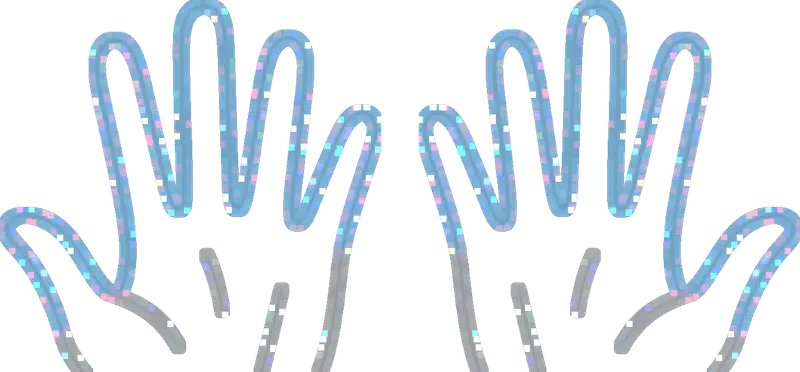
Both palms up
Pause every gesture


